Inquiry
A call, form, or email arrives without the details the next person needs.
Enablement first. Systems when earned.
Gig City helps owner-led teams learn practical AI, fix repeated workflow problems, and build systems when the work is ready for one.
Some teams need practice. Some need one problem fixed. Some are ready to redesign how client work moves.
The work behind the work
Requests arrive without context. Details get retyped. Follow-up depends on memory. The owner learns about stalled work too late.
A call, form, or email arrives without the details the next person needs.
People copy information between inboxes, notes, spreadsheets, and software.
The next step lives in someone’s head until it is missed or delayed.
The owner has to ask around to understand what is still waiting.
How we decide
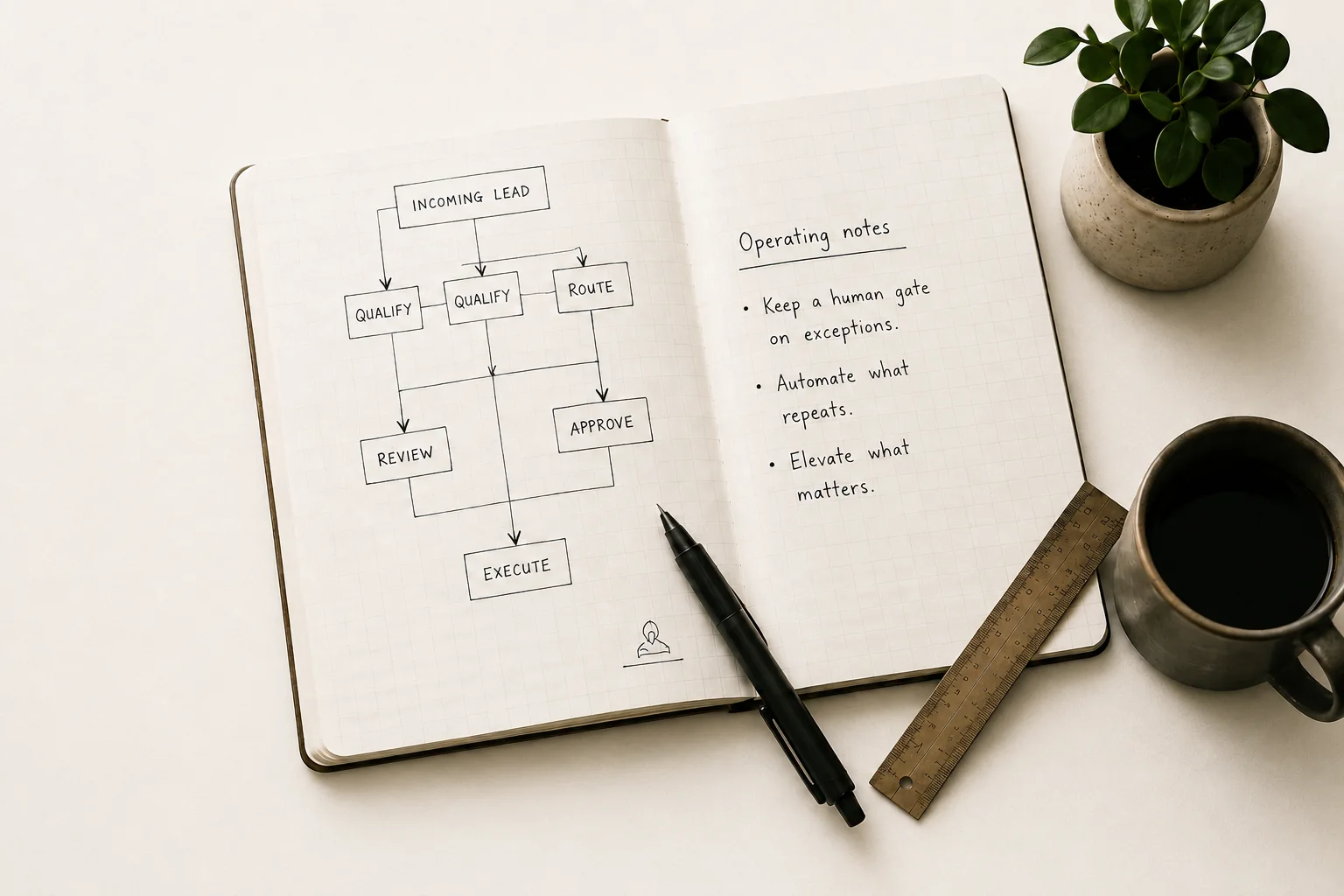
We map what happens today, identify the handoffs that create drag, and look for the places where the work already feels robotic. Those are good candidates only when the outcome can be measured and human review still has a clear place.
Decision record
Staff retype inquiry details, route the work by email, and manually chase follow-up.
The same intake and routing steps happen each time.
Response time, rework, and missed follow-up can be tracked.
A person should approve exceptions before anything is sent.
Automate the repeatable. Keep judgment visible.
What stays human
The useful part of this work is knowing what not to touch. We do not promise transformation where the work needs judgment, where the risk is unclear, or where the process needs repair before software will help.
AI drafts the follow-up, summarizes the intake, and flags the exception. Then it stops. A person approves before anything reaches a customer, client, or team.
Anything where being wrong is expensive, relational, or hard to unwind should keep a human gate.
If a task touches data your team is not ready to handle safely, the honest answer is not yet.
If the underlying process is broken, AI just makes the mess faster. We fix the handoff first.
For smaller teams
Gig City works with local businesses that need a practical session, a clearer view of one repeated problem, or a single workflow that runs more reliably.
Uses existing tools. Keeps a person in charge. Does not replace your CRM, dispatch platform, or office staff.
For professional-services firms
The Client Operations System is for founder-led firms where inquiry, kickoff, delivery updates, and owner visibility are spread across people, documents, inboxes, and systems.
Inquiry or request arrives
Details are organized and routed
A person reviews exceptions
Kickoff or follow-up is prepared
Client updates draw from current work
Leadership sees what needs attention
Ways to work together
Start with the level that matches the problem. Larger systems follow a diagnostic so the scope, measures, and investment are visible before implementation starts.
Bring one recurring task or handoff. We will decide whether the useful next step is self-paced training, a paid session, deeper diagnosis, or leaving it alone.
Build practical capability around the work already in front of you.
A focused session on one real task for an owner or small team.
Prompt patterns, use boundaries, and three practical next uses.
Shared practice that builds better habits and safer everyday AI use.
A shared prompt library, review norms, and team workflow examples.
Start with a Snapshot. Build follows only when the work earns it.
Find the friction inside one recurring workflow before choosing a fix.
The friction, guardrails, measures, and a clear recommendation for what comes next.
One named workflow using the tools your team already has.
A tested workflow, human approval gate, operating notes, and 30 days of post-launch support.
Make the full client lifecycle easier to run, review, and improve.
A practical design for improving how client work moves through the firm.
A lifecycle map, measures, review points, build scope, and investment range.
A scoped system for intake, handoffs, updates, approvals, and owner visibility.
A working system your team can inspect, operate, and keep improving after launch.
What we measure
Every engagement begins with a practical measure. The question is whether the work is easier to run, not just whether a tool was switched on.

Who you work with
A direct point of contact from the first conversation through the work itself.
Fifteen years in teaching shaped how Gig City works. People need to understand a system, practice with it, and know when to question it. Gig City brings that approach to AI education, workflow consulting, and systems built for real operations.
Questions
Yes. A Working Session, Team Workbench, Workflow Snapshot, or one Quick Win is often the right place to start.
We talk through one recurring task, handoff, or team concern and decide whether there is a useful next step. It is a short fit conversation, not a free audit, written plan, or tool setup.
A Quick Win fixes one repeated problem with existing tools. A Client Operations System is for work that crosses people, handoffs, and several parts of the client lifecycle.
For a larger client-operations build, yes. The diagnostic makes the scope, measures, review points, and investment clear before implementation begins.
No. Gig City works with the tools your team already uses where possible. Replacing a core platform is a separate project.
Approvals, exceptions, sensitive decisions, and anything where a customer or team is relying on judgment.
It offers direct-purchase self-paced courses for independent learning and facilitated Team Workbench engagements for shared practice on real workflows.
Gig City AI is Chattanooga-based and built for local and regional teams. Remote work can fit when the workflow is clear.
Start with the work in front of you
We will tell you plainly whether the next step is training, one workflow fix, a Client Operations Diagnostic, or nothing yet.